Vizhound vs Feedbucket
A Feedbucket alternative for sites built with AI
Feedbucket sends client feedback to your project tool. Vizhound turns it into a prompt your AI tool can fix. Free for one project, no script to add.
Free for one project. No card, nothing to install.
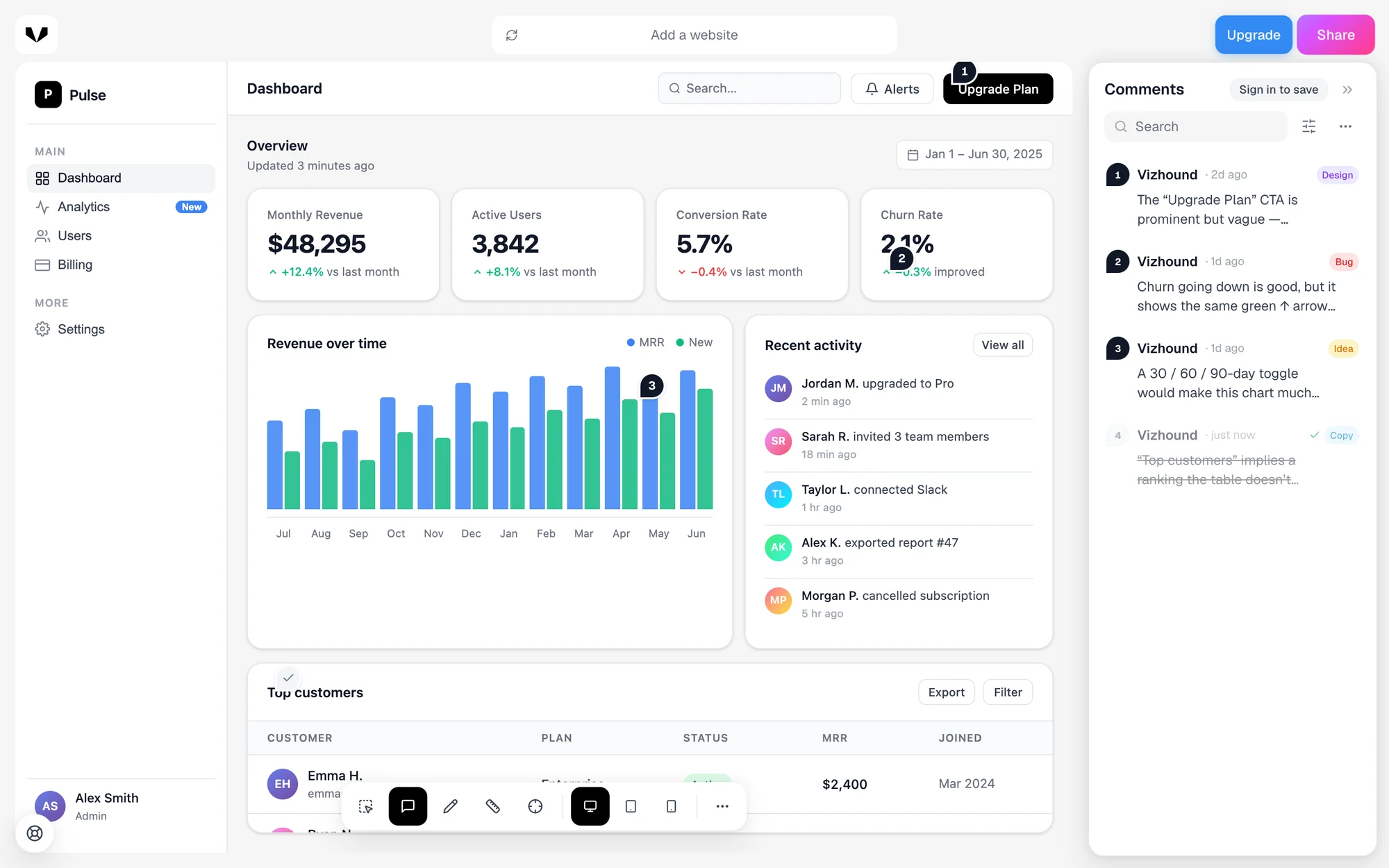
Which one is right for you
Choose Vizhound if
- Yes:You build with Lovable, v0, Bolt, Cursor or Claude
- Yes:You want feedback as a prompt, not a ticket
- Yes:You want to start free, with nothing to install
Choose Feedbucket if
- You are an agency sending feedback to Asana, Jira or ClickUp
- You want clients to record their screen
- You review staging sites behind a login
Vizhound and Feedbucket, side by side
- Free plan
- Yes:Vizhound: Yes. One project, every feature
- No:Feedbucket: No. 14-day free trial
- Starting price
- Yes:Vizhound: £9.99 a month, unlimited reviewers
- Weaker:Feedbucket: From $39 a month, for 2 team members
- Setup
- Yes:Vizhound: Paste a link. Nothing to install
- Weaker:Feedbucket: One line of JavaScript on your site
- Who can give feedback
- Yes:Vizhound: Anyone with the link. No account, no install
- Yes:Feedbucket: Unlimited clients, once the script is added
- Where feedback goes
- Yes:Vizhound: Your AI tool, as a fix prompt. Or a task list or report
- Yes:Feedbucket: Your project tool, as a task
- AI
- Yes:Vizhound: Writes the whole review as a prompt an AI can act on, on every plan
- Weaker:Feedbucket: MCP connection on the Business plan
- Project tool integrations
- No:Vizhound: None yet. Copy a checklist and paste it
- Yes:Feedbucket: Asana, Jira, ClickUp, Trello, Linear and more, on every plan
- Screen recording
- No:Vizhound: No. Screen grabs only
- Yes:Feedbucket: Yes
- Works on pages behind a login
- No:Vizhound: No. Public links only
- Yes:Feedbucket: Yes, through the script
Feedbucket details checked on 8 October 2026 against Feedbucket pricing and Feedbucket homepage. Plans change, so check theirs before you decide.
What a year costs
Vizhound Free
£0
One project, every feature, unlimited reviewers.
Vizhound Pro
£99.99
Unlimited projects and reviewers, billed yearly.
Feedbucket Pro
$468
$39 a month billed yearly, for 2 team members. $49 a month if you pay monthly.
Each price is in that company's own currency, before tax, as listed on 8 October 2026.
How Vizhound works
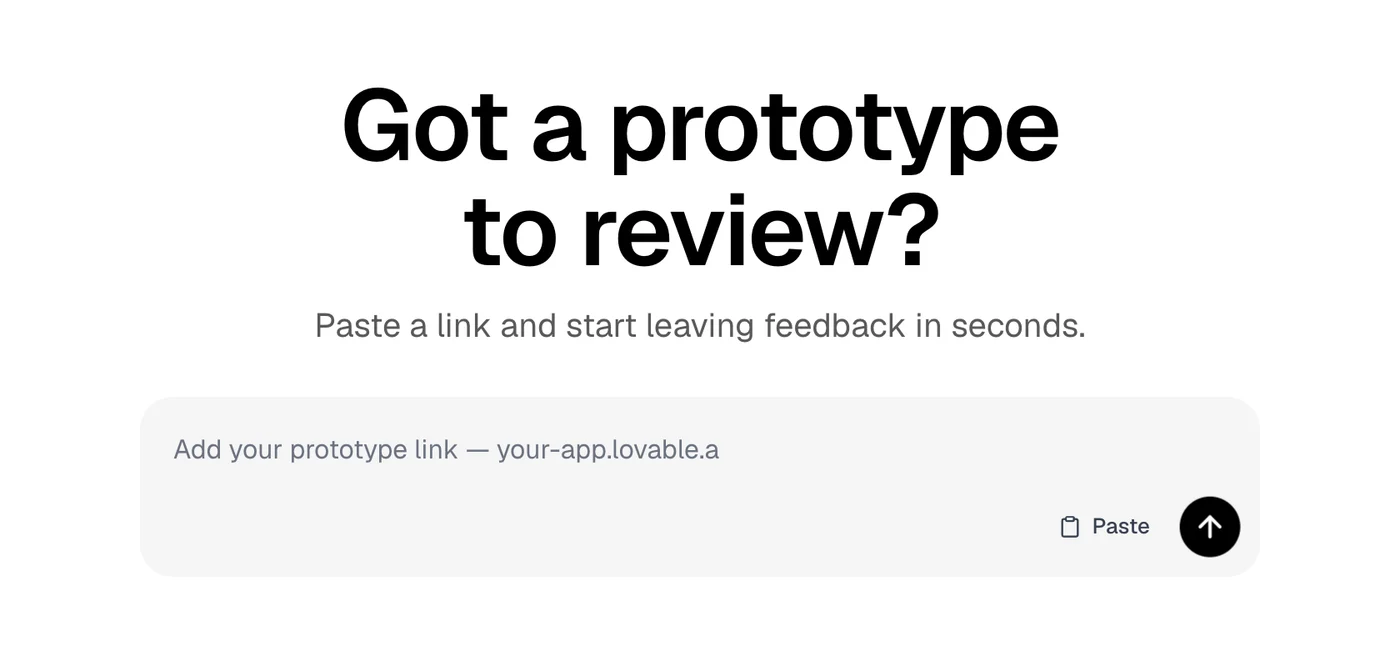
Paste a link
Any page that opens in a browser: a Lovable, v0, Bolt or Vercel preview, or your live site. Nothing to install on it.
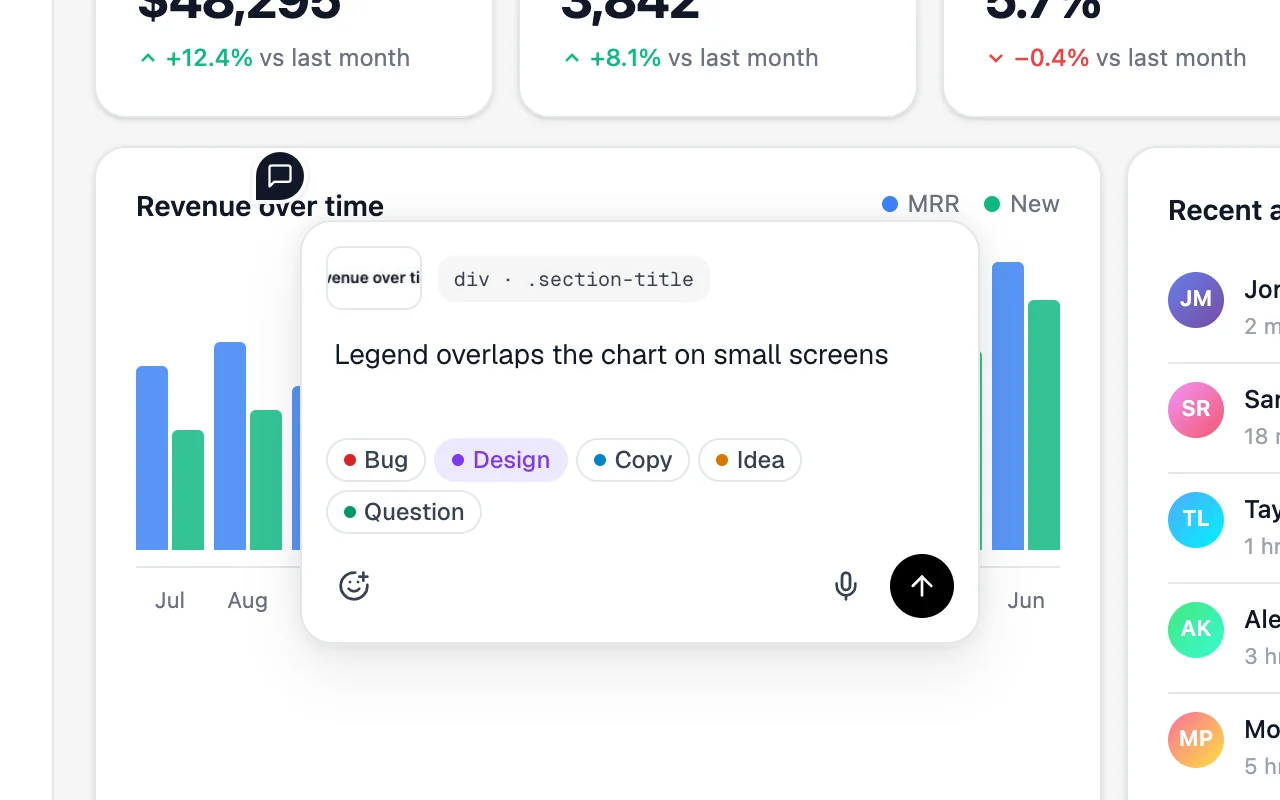
Click anything to comment
Your note stays pinned to the element. It keeps what the element is, its styles and a screen grab, so nobody has to ask which button you meant.
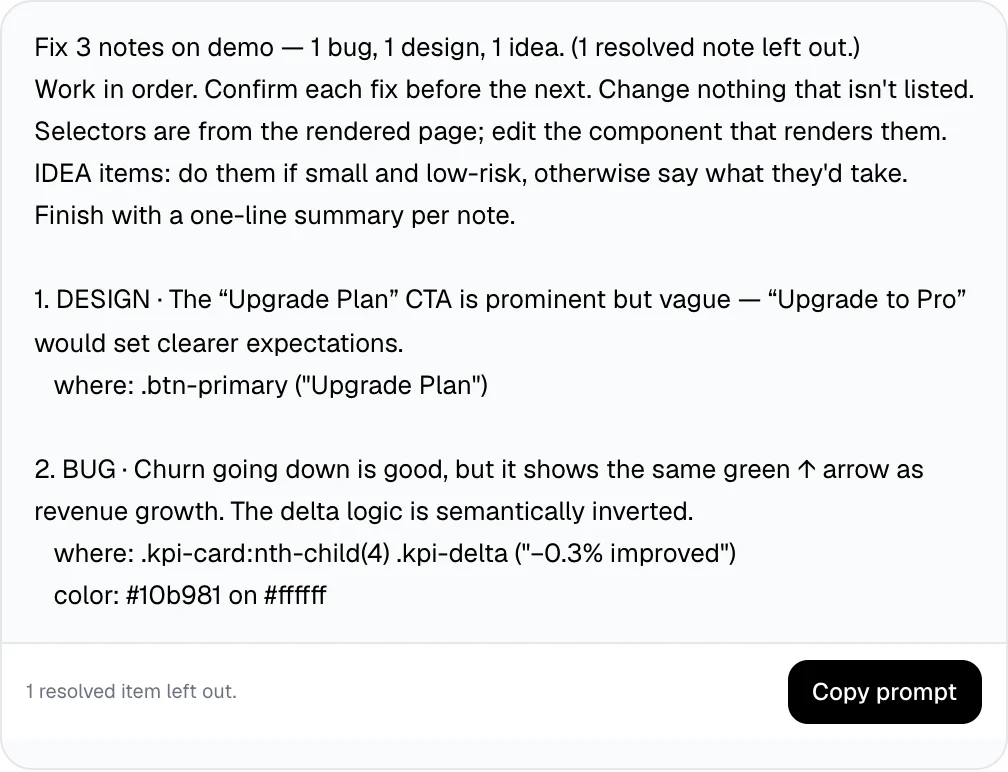
Copy one prompt for your AI tool
Every note, numbered, with where it is and what matters. Paste it into Lovable, v0, Cursor or Claude and the fixes come back together.
Takes about ten seconds. No account needed.
Why people pick Vizhound
Start in ten seconds, for free
Paste the link to your site and click anything to comment. No script to add, no card, no trial clock.
Feedback your AI tool can act on
Every note keeps the element, its styles and a screen grab. Copy the whole review as one prompt and paste it into Lovable, v0, Cursor or Claude.
Bring everyone, pay for no seats
Clients and teammates open your link and comment without an account. Reviewers are unlimited on every plan.
Where Feedbucket is the better pick
Feedbucket is a website feedback tool made for web agencies, with screen recording and integrations on every plan. It does things Vizhound doesn't:
- Integrations with Asana, Jira, ClickUp, Trello, Linear and more, on every plan.
- Screen recording, so clients can show a problem instead of describing it.
- Feedback on staging and logged-in pages, through their script.
- Built for agencies running many client sites at once.
Questions about switching
More comparisons

Turn feedback into AI fixes.
Vizhound
© 2026 Vizhound. All rights reserved.
Made with love.