Blog
On AI prototyping, feedback, and the tools people ship from.
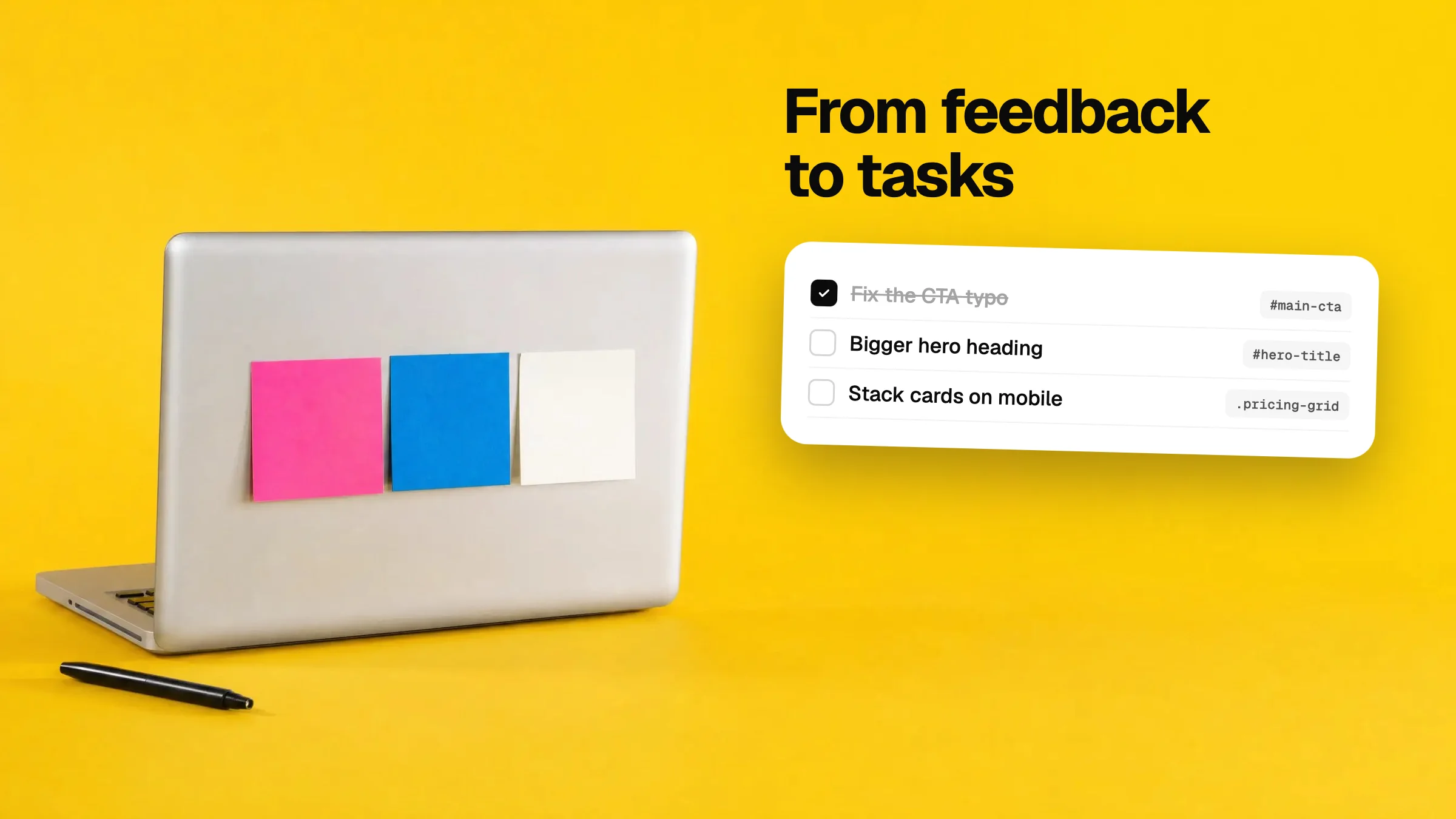
Turn website feedback into tasks for Linear, GitHub, Notion
Feedback is only useful once it is on a list someone works from. How to turn comments on a web page into a clean checklist you can paste into your tracker.
Workflow · Oct 7, 2026 · 4 min read

How to comment on a live website the way you do in Figma
Figma comments are great until the design becomes a real page. How to leave pinned comments on any live website or prototype, with no install and no code.
Feedback · 4 min
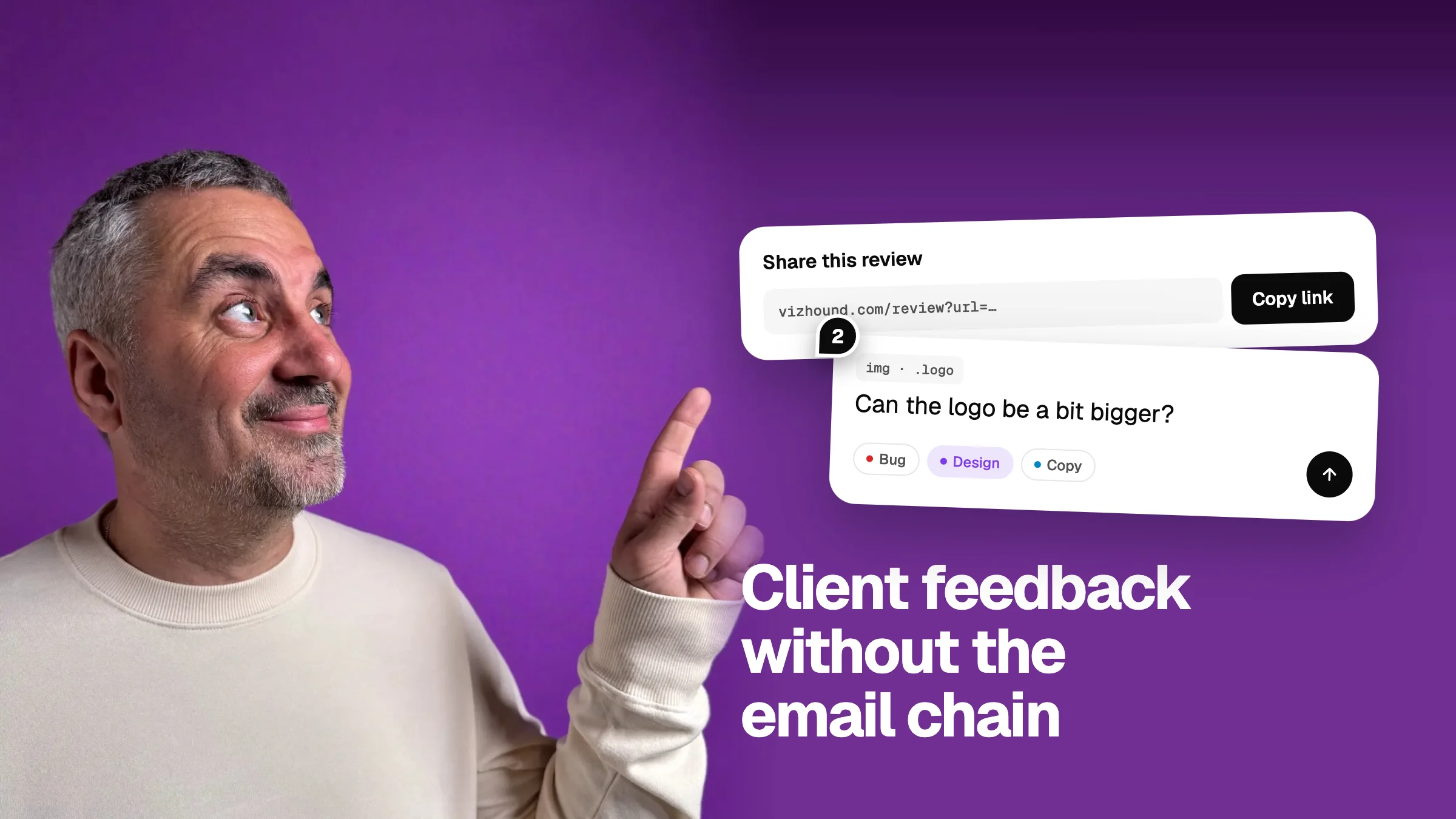
Get client feedback on a website without the email chain
Client feedback by email and screenshots is slow and vague. Collect it on the live page instead: one link, no client login, and a clear list of fixes.
Feedback · 5 min

Design QA for AI-built apps: 12 things AI gets wrong
AI tools get the layout right and the details wrong. Twelve design problems to look for in any AI-built app, how to spot each one, and how to ask for the fix.
Design · 6 min
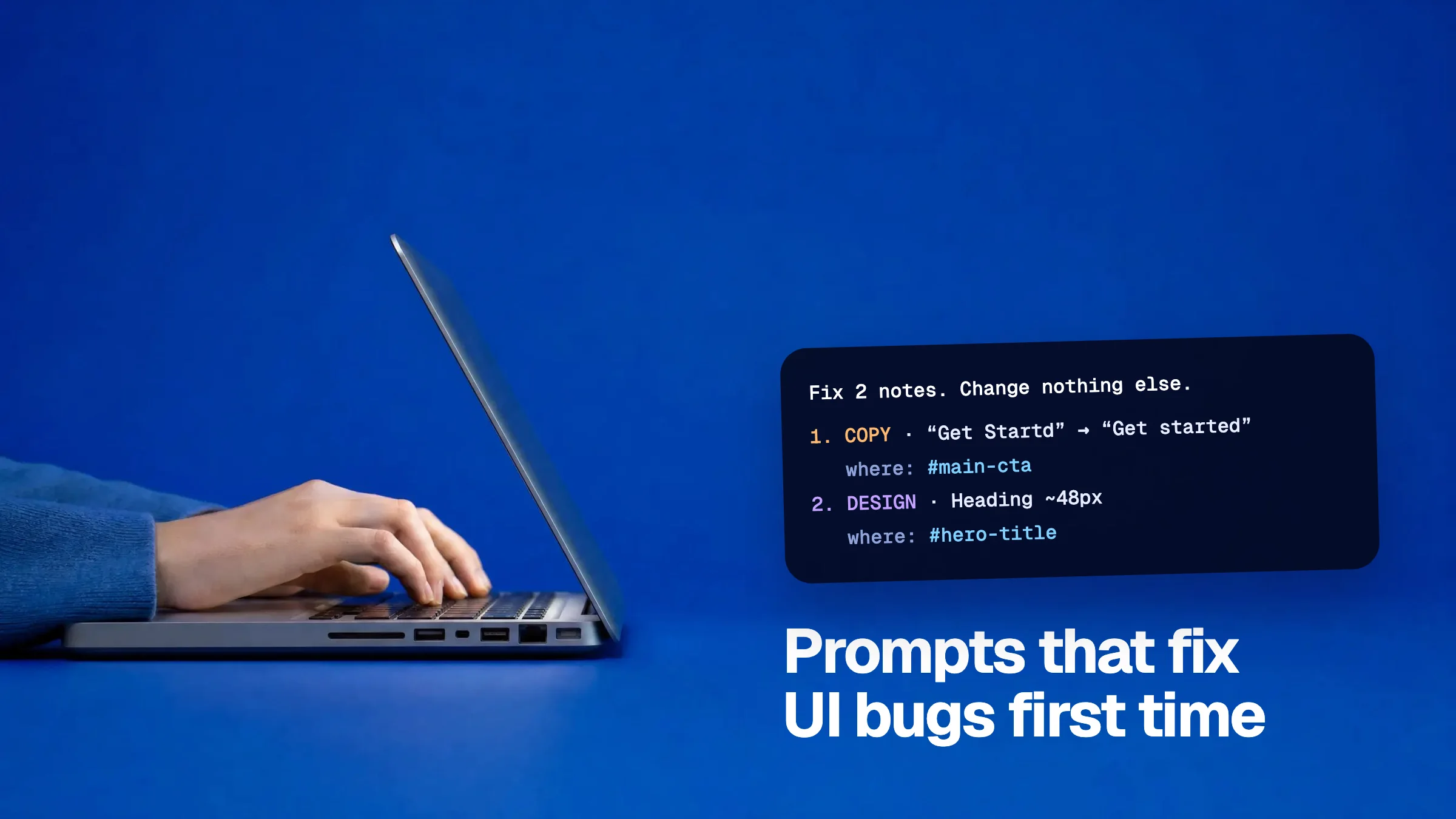
How to write a prompt that fixes a UI bug the first time
AI tools fix UI bugs well when the prompt says where, what and how far to go. A simple four-part format with examples for Cursor, Claude, v0 and Lovable.
Prototyping · 5 min
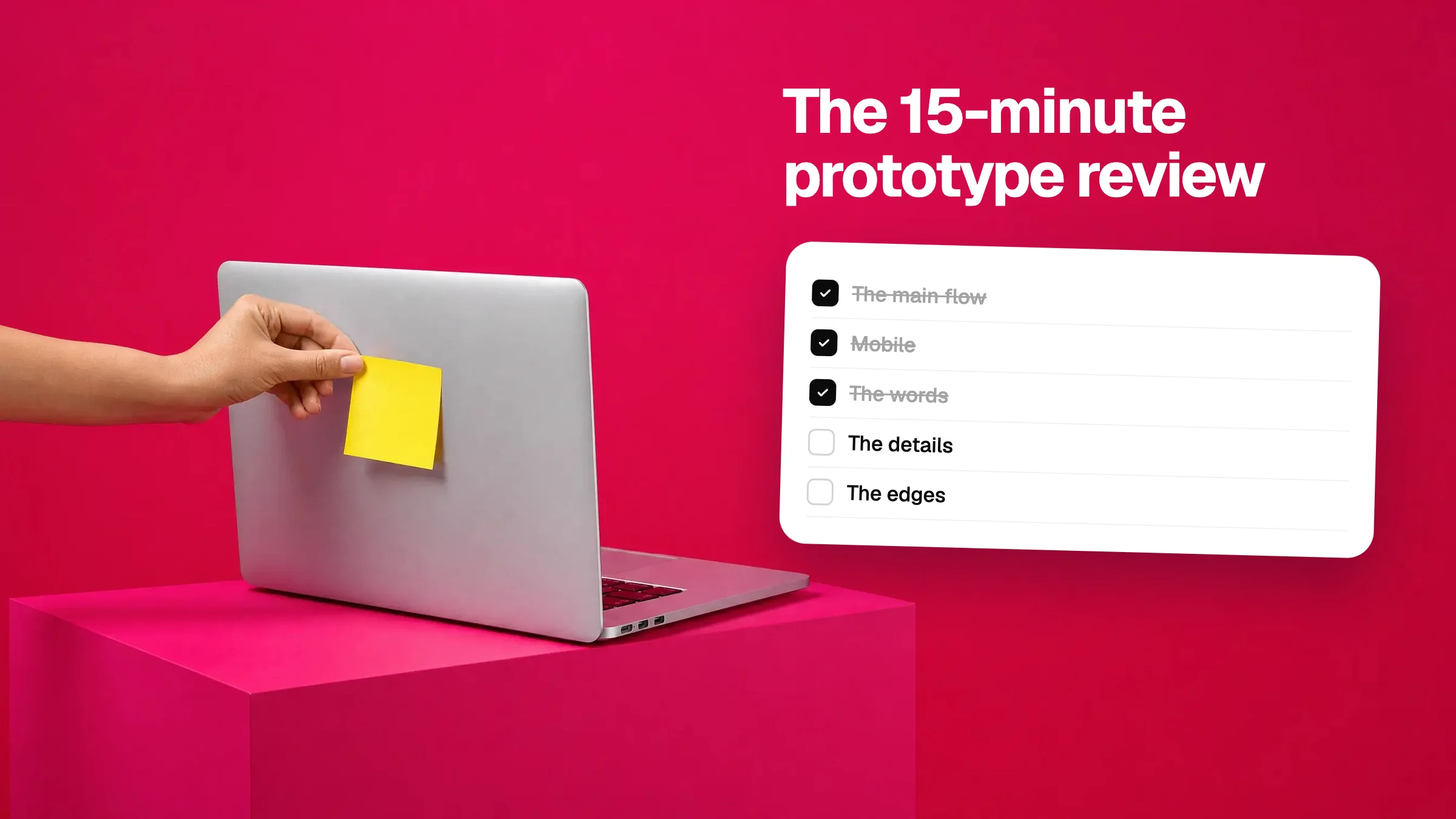
Prototype review checklist: five passes in fifteen minutes
A simple checklist for reviewing a prototype before you show it to anyone: flow, mobile, words, details and edge cases. Works for any AI-built app.
Prototyping · 5 min
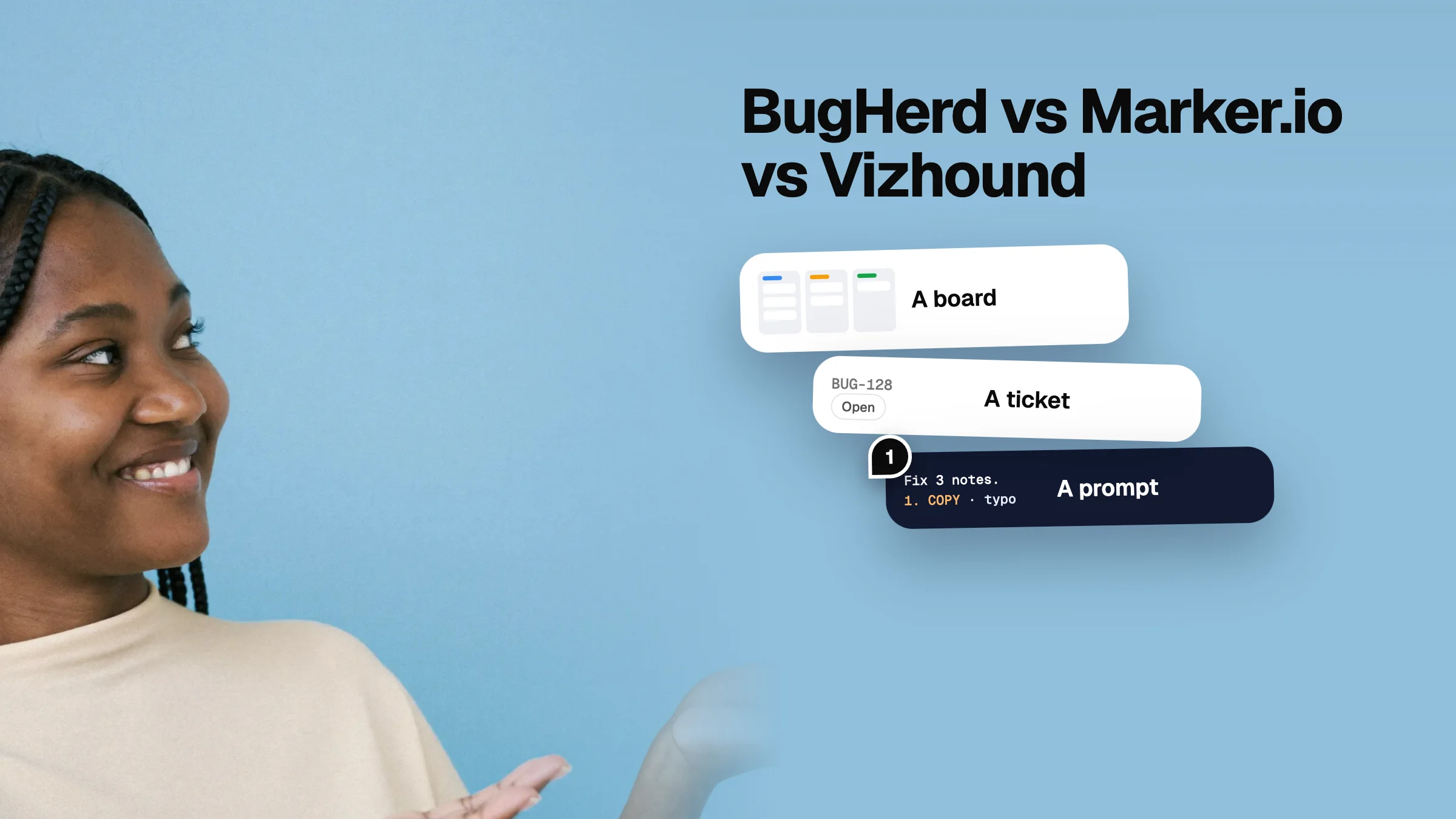
BugHerd vs Marker.io vs Vizhound: feedback tools compared
Four ways to leave feedback on a live website, compared by who they suit, what setup they need, and where the feedback ends up. Honest about where we fit.
Tools · 6 min

How to give feedback on a Lovable app and get it fixed
A step-by-step way to review a Lovable app: comment on the exact element, say what you want, and send every fix back to Lovable in one clear prompt.
Feedback · 5 min
Lovable vs v0 vs Bolt: which should you build with?
Lovable, v0 and Bolt all turn a prompt into an app, but they suit different jobs. A plain comparison by what you are building, plus how to review the result.
Tools · 5 min
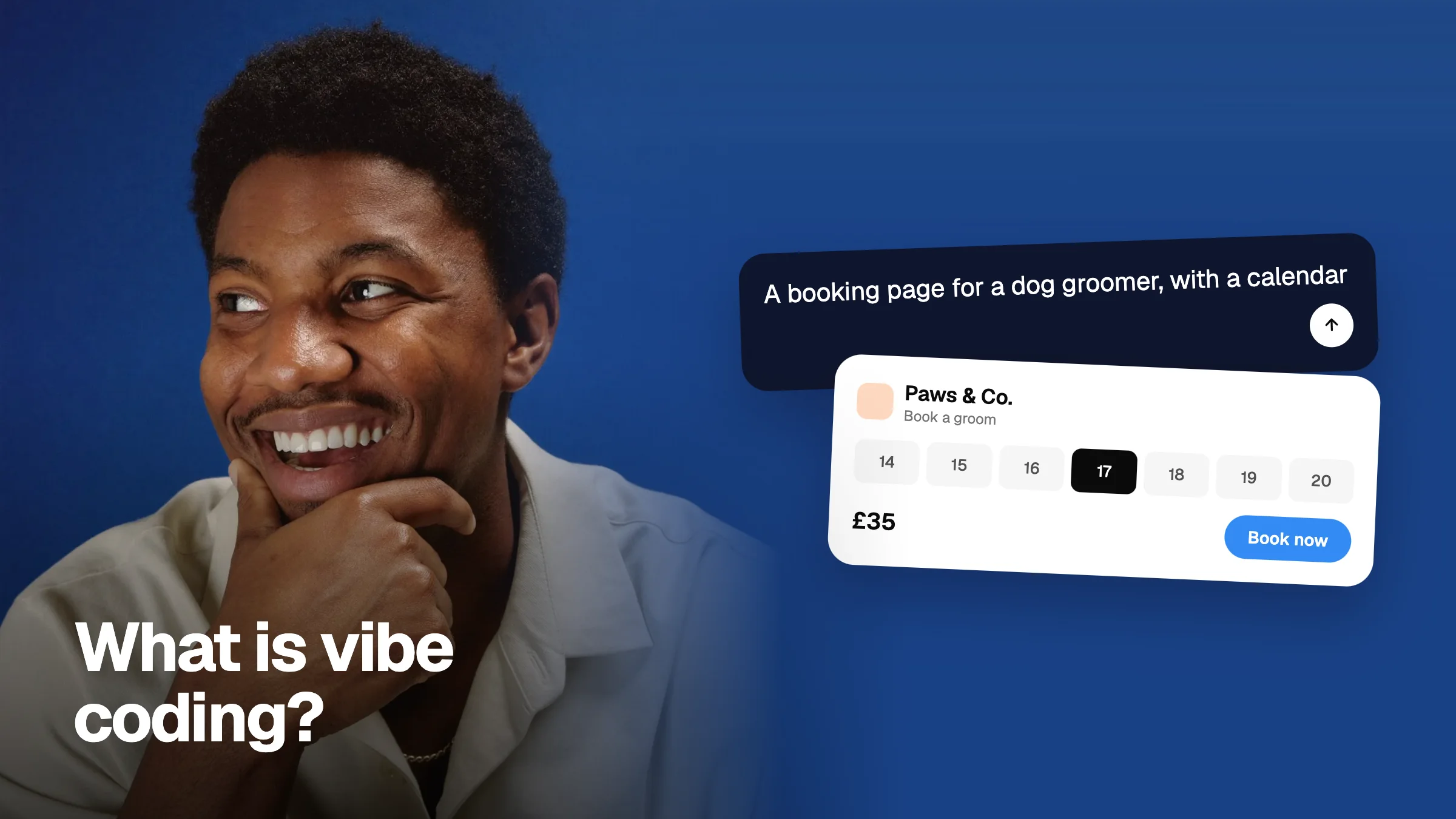
What is vibe coding? A plain-English guide
Vibe coding means describing an app in words and letting AI write the code. What it is, what it is good for, where it breaks, and how to start today.
Guides · 5 min

How to give feedback an AI can actually fix
A practical way to review an AI-built prototype: comment on the element, say what and why, tag it, and batch it into one prompt for Claude, Cursor, or v0.
Prototyping · 4 min

Best vibe coding tools in 2026: an honest guide
Lovable, v0, Replit, Bolt, Cursor, and Claude compared. Who each one is for, where it shines, and the limit you hit first. No rankings, just what we pick.
Tools · 6 min

AI prototyping feedback: the new bottleneck
When an AI builds your prototype in minutes, the slow part is the feedback. Here is why, what good feedback looks like, and how to turn it into a fix.
Feedback · 5 min

Why we built Vizhound
AI builds a prototype in minutes. Giving feedback on it still takes a Slack thread and a screenshot. Here is why we built Vizhound, in plain words.
Company · 2 min