How to write a prompt that fixes a UI bug the first time
Most failed fixes are not the AI being bad at code. They are the prompt not saying which element, what is wrong, or when to stop.
Prototyping · Oct 7, 2026 · 5 min read
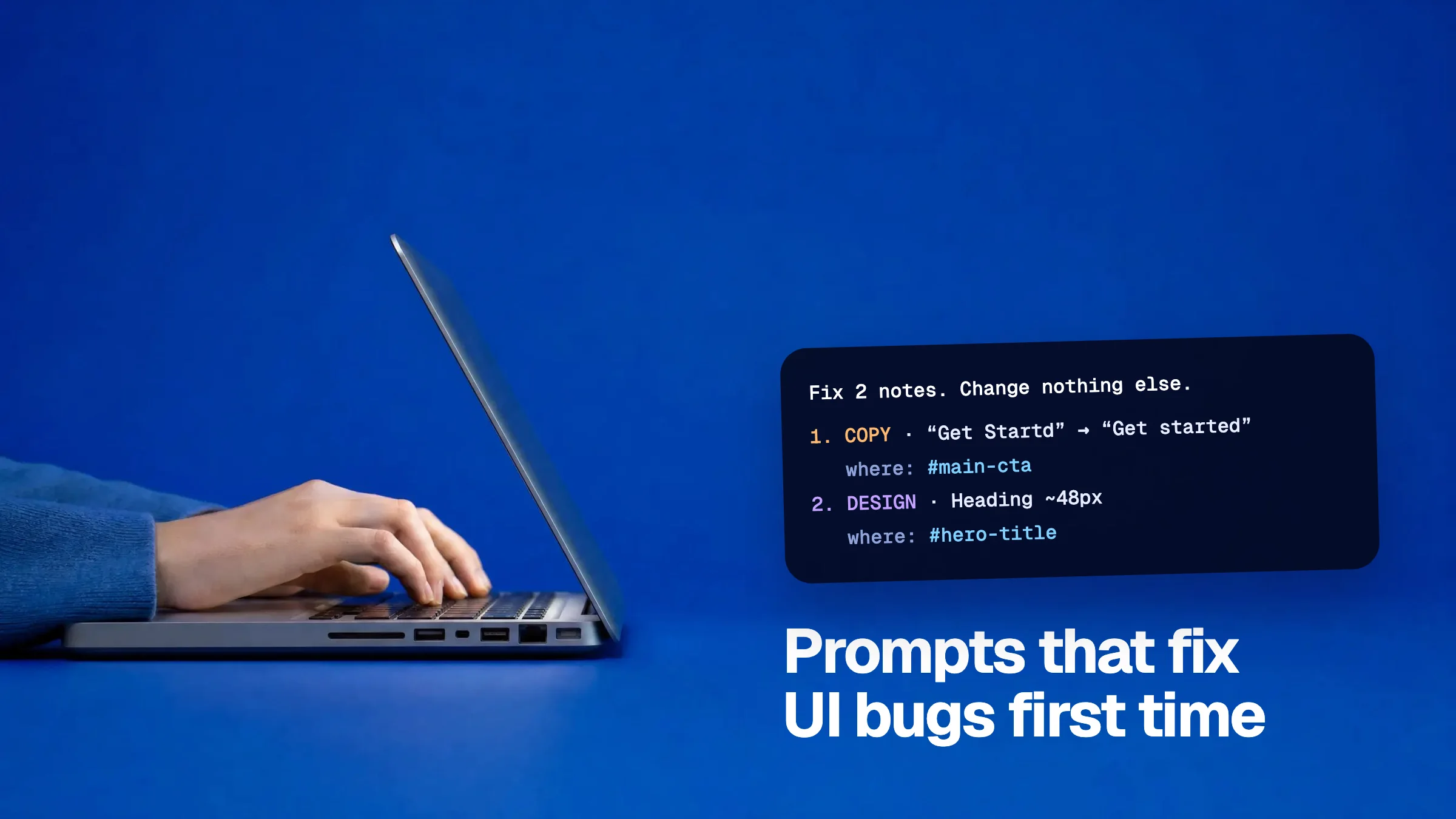
You ask the AI to fix a button. It changes the wrong button, restyles the header while it is there, and tells you it is done. The usual reaction is to blame the tool. More often, the prompt left out something the AI needed.
A prompt that fixes a UI bug first time has four parts. None of them are clever. They are just the things a good developer would ask you before starting.
The four parts of a good fix prompt
- Where. The exact element, by a selector or by its visible text.
- What is wrong. What you see now.
- What you want. What you should see instead.
- How far to go. What it must not touch.
1. Say where, exactly
“The button” is a guess. “#main-cta, the button that says Get started” is not. If you can't give a selector, quote the visible text and name the page and the section it sits in.
When you comment on an element in Vizhound, the selector and the visible text are captured for you, so every note in the exported prompt already says where.
2 and 3. Say what you see and what you want
| Weak | Strong |
|---|---|
| “Fix the spacing” | “The gap above the pricing cards is about 16px. Make it match the 64px gap above the other sections.” |
| “Text is hard to read” | “The button text is pale red on a red background. Make the text white.” |
| “Broken on mobile” | “At 375px wide the nav links wrap onto two lines. Collapse them into a menu button.” |
| “Make it pop” | “Make the heading 48px and bold, like the heading on the pricing page.” |
Numbers help when you have them. Font size, colour and spacing turn an opinion into an instruction. Only include the facts that matter to the note. A note about wording doesn't need the font size.
4. Say when to stop
This is the part people skip, and it causes the most damage. Without it the AI may “improve” things nearby. Add one line: change nothing that isn't listed.
Put several fixes in one prompt
Sending fixes one at a time feels safe. It isn't. Each prompt is a separate edit, and later ones can undo earlier ones. Number your notes and send them together, with a short brief at the top.
Fix 3 notes on https://myapp.example/pricing — 1 bug, 1 design, 1 copy. Work in order. Confirm each fix before the next. Change nothing that isn't listed. Finish with a one-line summary per note.
Then the notes, each with its “where” line and only the style facts that matter.
Small differences between tools
- Cursor and Claude Code work in your codebase. Tell them the selector comes from the rendered page, and ask them to find the component that renders it.
- v0 and Lovable work from a chat. Paste the whole prompt as one message, not as several.
- For questions, say you want an answer and not a code change. Otherwise you will get a code change.