How to give feedback on a Lovable app and get it fixed
Lovable builds fast. Getting it to fix the right thing, in the right place, is where the time goes. Here is a way to do it in one pass.
Feedback · Oct 7, 2026 · 5 min read
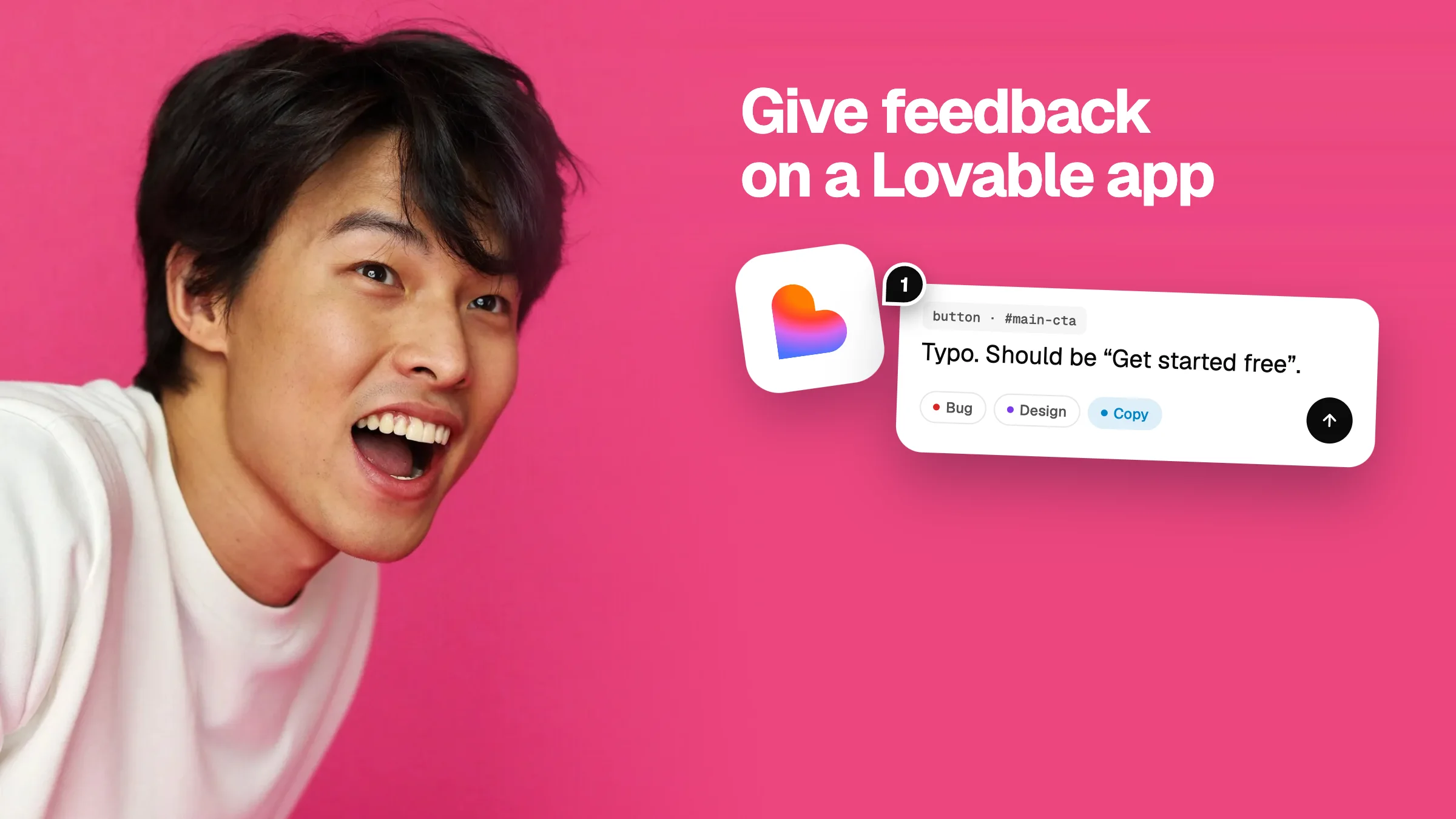
You have a Lovable app. It mostly works. Now you, your co-founder or your client has a list of things that are wrong with it. The usual way to handle that is a string of chat messages: “make the button bigger”, “no, the other button”, “now the header is broken”. Each message costs time and credits, and each one risks breaking something else.
There is a better way. It takes about fifteen minutes and it works with any Lovable preview link.
Step 1: review the live app, not your memory of it
Open the preview link and use the app the way a customer would. Go through each page. Try it at phone width too, because that is where AI-built layouts break most often. Do not write anything in the chat yet.
Step 2: pin each note to the exact element
“The button” means nothing when a page has nine buttons. Lovable needs to know which one. The most reliable way is to attach each note to the element itself, so the note carries what the element is and where it lives.
In Vizhound you paste your Lovable link, press C, and click the thing that is wrong. The note keeps the element, its text, its size and colours, and a small screen grab. You never have to describe where something is.
Step 3: say what is wrong and what you want
| Instead of | Write |
|---|---|
| “Fix the hero” | “The hero heading is too small. Make it about 48px.” |
| “Button is weird” | “The Sign up button is red. Use the same blue as the logo.” |
| “Mobile is broken” | “On a phone, the three price cards overlap. Stack them in one column.” |
| “Typo” | “It says Get Startd. It should say Get started.” |
One problem per note. Say the result you want, not how to code it.
Step 4: tag each note
A bug, a design change, a wording change, an idea and a question need different things from the AI. A bug should be fixed. A question should be answered, not turned into a code change. Tagging each note tells Lovable which is which.
Step 5: send everything in one prompt
This is the step that saves the most time. Ten separate messages make ten separate edits, and later edits can undo earlier ones. One prompt with ten numbered notes lets Lovable plan the changes together.
A good prompt starts with a short brief, then lists each note with where it is and what matters:
Fix 3 notes on my app. Work in order. Change nothing that isn't listed. 1. DESIGN · Hero heading is tiny, make it about 48px. where: #hero-title. 2. COPY · “Get Startd Free” should be “Get started free”. where: #main-cta. 3. BUG · Price cards overlap on mobile, stack them. where: .pricing-grid.
Vizhound writes this for you. Click Share, copy the AI fix prompt, and paste it into the Lovable chat.
Step 6: check the fixes against your notes
When Lovable is done, open the app again and go through your notes one by one. Mark each as resolved when it is right. Anything still wrong goes into the next round, which will be much shorter.