Get client feedback on a website without the email chain
“Can you make the logo bigger” is easy. “The thing on the second page looks off” is a three-email conversation. The fix is to let clients point.
Feedback · Oct 7, 2026 · 5 min read
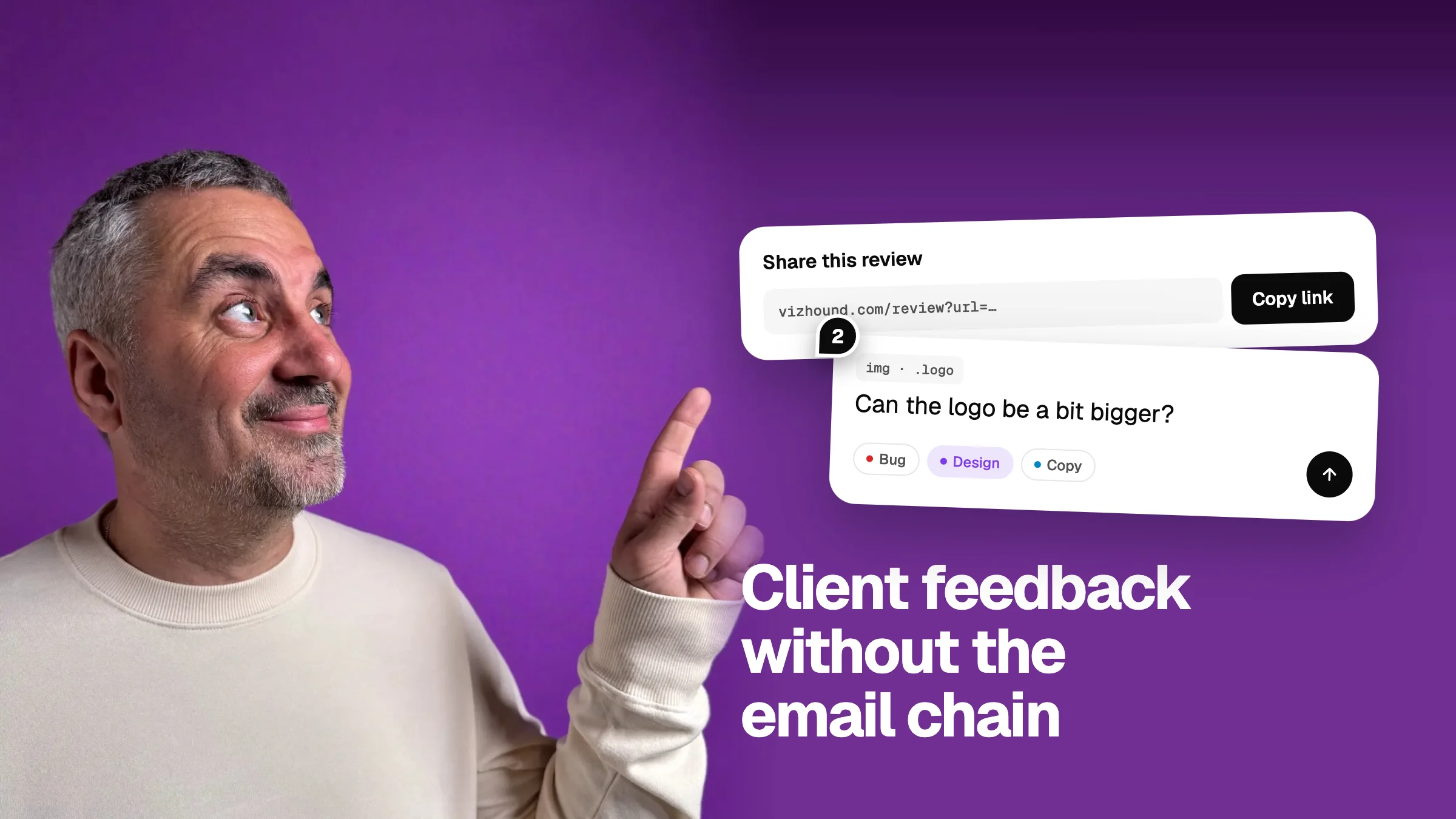
If you build websites for clients, you know the feedback round. A long email arrives. Half the points are clear. The other half say things like “the section near the top” or “that blue bit”. You reply with questions. They reply with a screenshot covered in red circles. A week passes.
The work itself is rarely the slow part. Working out what the client means is. Here is a way to cut that out.
Why email and screenshots fail
- Clients don't know the names of things. They can't say “the hero” or “the footer nav”.
- A screenshot shows what, not which. On a long page, you still have to find the spot.
- Feedback arrives in pieces, from several people, in several threads.
- Nobody can tell which notes are done.
Let the client point at the page
The simplest fix is to have clients leave their notes on the live page, on the exact thing they mean. No naming, no describing where it is.
- Paste the site or preview link into Vizhound.
- Add your own notes first, so the client can see how it works.
- Click Share and copy the link.
- Send the link with one line: click anything on the page to leave a note.
The client opens the link, clicks what they mean, and types. They don't need an account. Their notes sit on the page beside yours, numbered, so everyone is looking at the same list.
Make it easy to say yes
Clients avoid tools that feel like work. A few things help:
- No sign-up. If the first screen is a registration form, most clients will go back to email.
- One link. Not an invite, not a workspace, not a download.
- A deadline. “Notes by Thursday” gets one round instead of five.
- One reviewer per company if you can. It stops notes that disagree with each other.
Turn the notes into a plan
Once the notes are in, sort them before you start. Each note has a type: bug, design, copy, idea or question. Bugs and copy fixes are quick. Ideas need a conversation about scope. Questions need an answer, not a change.
From there you have two ways out. If you build with an AI tool, copy the AI fix prompt and paste it in. If you track work in Linear, GitHub or Notion, copy the task list and paste it there as a checklist.
What about scope creep?
Easy feedback can mean more feedback. That is fine if you sort it. Tag new requests as ideas, agree which ones are in this round, and leave the rest open for the next. A visible list makes that conversation simpler, not harder.