How to comment on a live website the way you do in Figma
In Figma you click, type, and the note stays where you put it. The built page deserves the same, and it is where the real problems show up.
Feedback · Oct 7, 2026 · 4 min read
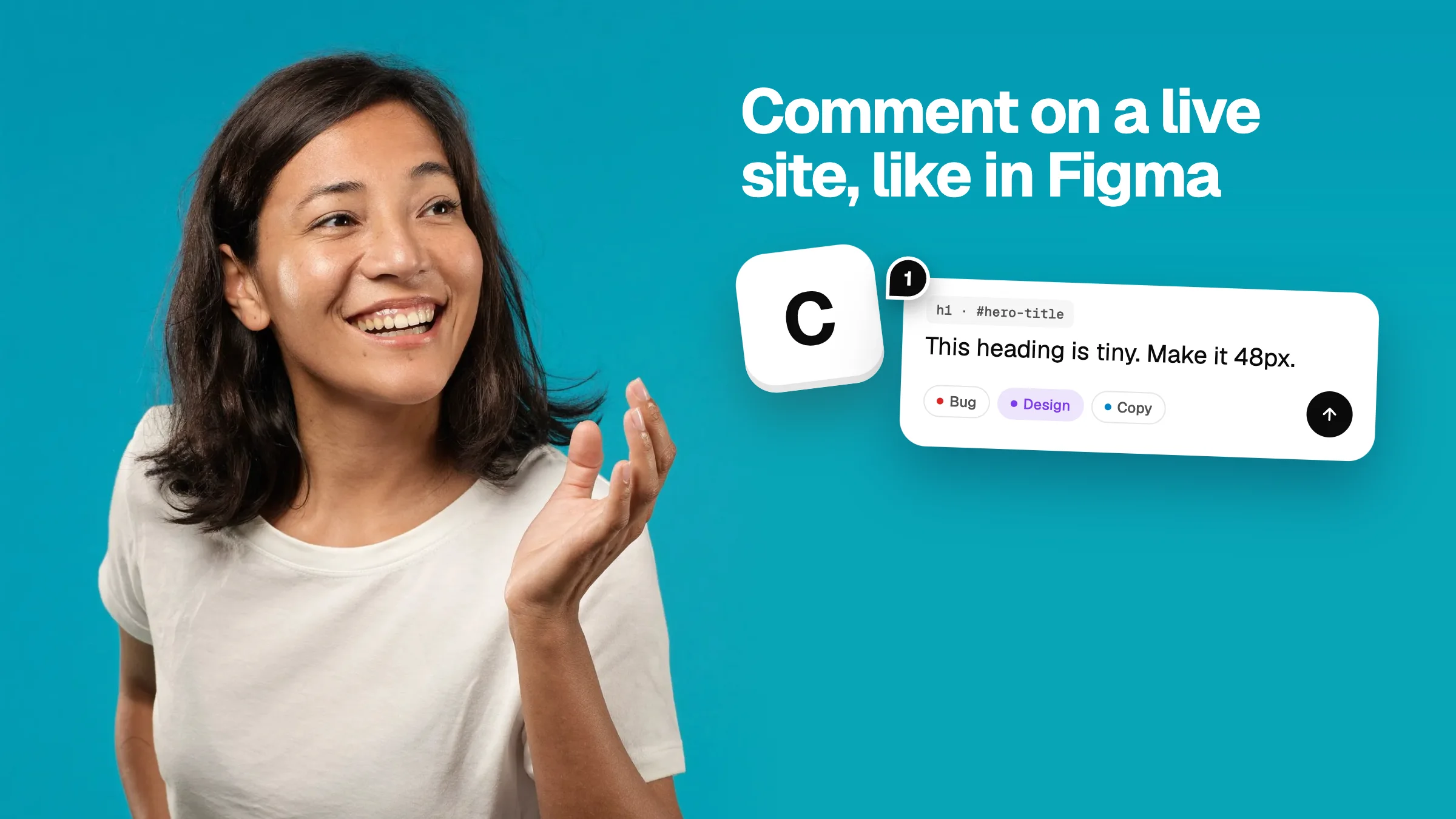
Designers are used to a simple thing: press C, click on the canvas, leave a comment. Everyone sees it in the same place. It is one of the reasons Figma took over.
Then the design gets built. Now the thing you are reviewing is a web page, and the comment tool is gone. You are back to screenshots in a chat. That is a shame, because the built page is where spacing drifts, text wraps badly and the mobile layout falls apart. It needs comments more than the mockup did.
What you want from website comments
- Click the thing, type the note. Nothing more.
- The pin stays on the element, even when the page scrolls or the window changes size.
- Other people can see the notes and add their own.
- Nothing to install on the site.
- A way to get the notes out, into wherever the fixing happens.
How to do it
- Go to Vizhound and paste the link to the page.
- Press C, the same shortcut as Figma.
- Click any element and type your note.
- Pick a type if you want: bug, design, copy, idea or question.
- Click Share to send the review to someone else.
Pins are numbered, and they stay on the page while you use the other tools, so you never lose track of what has been said.
What a website comment can know that a Figma comment can't
A comment on a mockup points at a picture. A comment on a real page points at a real element, so it can carry real facts:
- Which element it is, as a selector a developer or an AI can find.
- The text inside it.
- Its actual font size, weight and colours.
- A screen grab of how it looked when you commented.
- The screen width you were viewing at.
That is what makes the note fixable. “This heading is 15px and should be about 48px, at #hero-title” leaves nothing to guess.
Where it doesn't work
Being straight about limits: Vizhound needs a link that opens in a browser without a login. Pages behind a sign-in or a password won't load. Some apps that are drawn entirely by JavaScript open in a simpler mode, where comments attach to a position on the page instead of an element. And it reviews web pages, not Figma files.