What is vibe coding? A plain-English guide
You describe what you want. An AI writes the code. You look at the result and say what to change. That loop is vibe coding.
Guides · Oct 7, 2026 · 5 min read
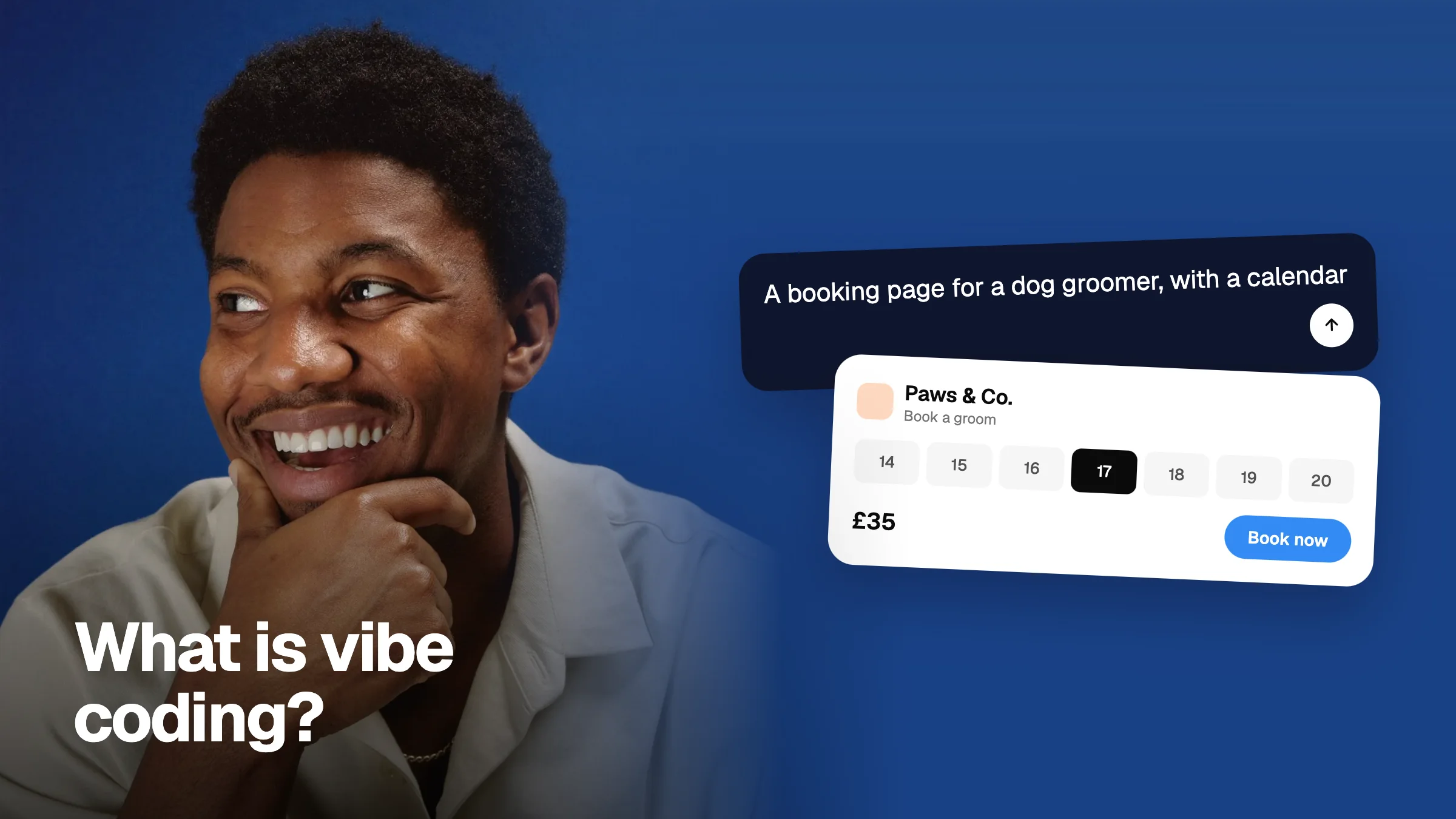
Vibe coding is building software by talking to an AI instead of typing code yourself. You write a prompt like “a booking page for a dog groomer, with a calendar and a price list”. A tool such as Lovable, v0, Bolt, Replit, Cursor or Claude turns that into a working screen. Then you steer it with more prompts until it is right.
The name comes from the feel of it. You are not reading every line. You go by what you see on the screen and whether it does the job. That is new, and it has changed who gets to build things.
How vibe coding works, step by step
- Describe the thing. One or two clear sentences about what it is and who it is for.
- Let the tool build a first version. This takes seconds to a few minutes.
- Open it and use it like a real person would. Click everything.
- Say what is wrong, as exactly as you can. “The Book button does nothing on mobile” beats “it feels off”.
- Repeat until it is good enough to show someone else.
Steps 1 and 2 are fast. Steps 3 and 4 are where the quality comes from, and where most people lose time. The AI can only fix what you can point at and describe.
What vibe coding is good for
- Prototypes you want to test with real people this week.
- Landing pages and marketing sites.
- Internal tools that save your team a spreadsheet.
- The first version of a product, to see if anyone wants it.
- Trying three ideas in the time one used to take.
Where vibe coding breaks
It is not magic, and being honest about the limits will save you a bad week.
- Big changes can undo small ones. Ask for a new feature and a button you fixed yesterday may break again.
- The details drift. Spacing, font sizes and colours are often close but not right, and nobody notices until a customer does.
- Vague feedback gets vague fixes. “Make it better” gives the AI nothing to hold on to.
- Security and data need a human. Logins, payments and personal data deserve a real review before you launch.
Which vibe coding tool should you start with?
| If you want | Start with |
|---|---|
| A full app with sign-up and data, no code | Lovable |
| A good-looking screen or component, fast | v0 |
| A quick full-stack prototype in the browser | Bolt |
| Something hosted and running today | Replit |
| AI help inside a real codebase | Cursor |
| Thinking, planning and fixing from a prompt | Claude |
Read our honest guide to the best vibe coding tools →
How to get better results
Review on the real page, not from memory. Point at the exact element. Say what is wrong and what you want instead. Group your notes and send them in one go, so the AI fixes them together instead of breaking one while fixing another.
That is the job Vizhound does. Paste the link to your prototype, click anything to leave a note on it, and export all your notes as one prompt the AI can act on.