Prototype review checklist: five passes in fifteen minutes
Most problems in a prototype are easy to see once you look for one kind of problem at a time. Five short passes catch nearly all of them.
Prototyping · Oct 7, 2026 · 5 min read
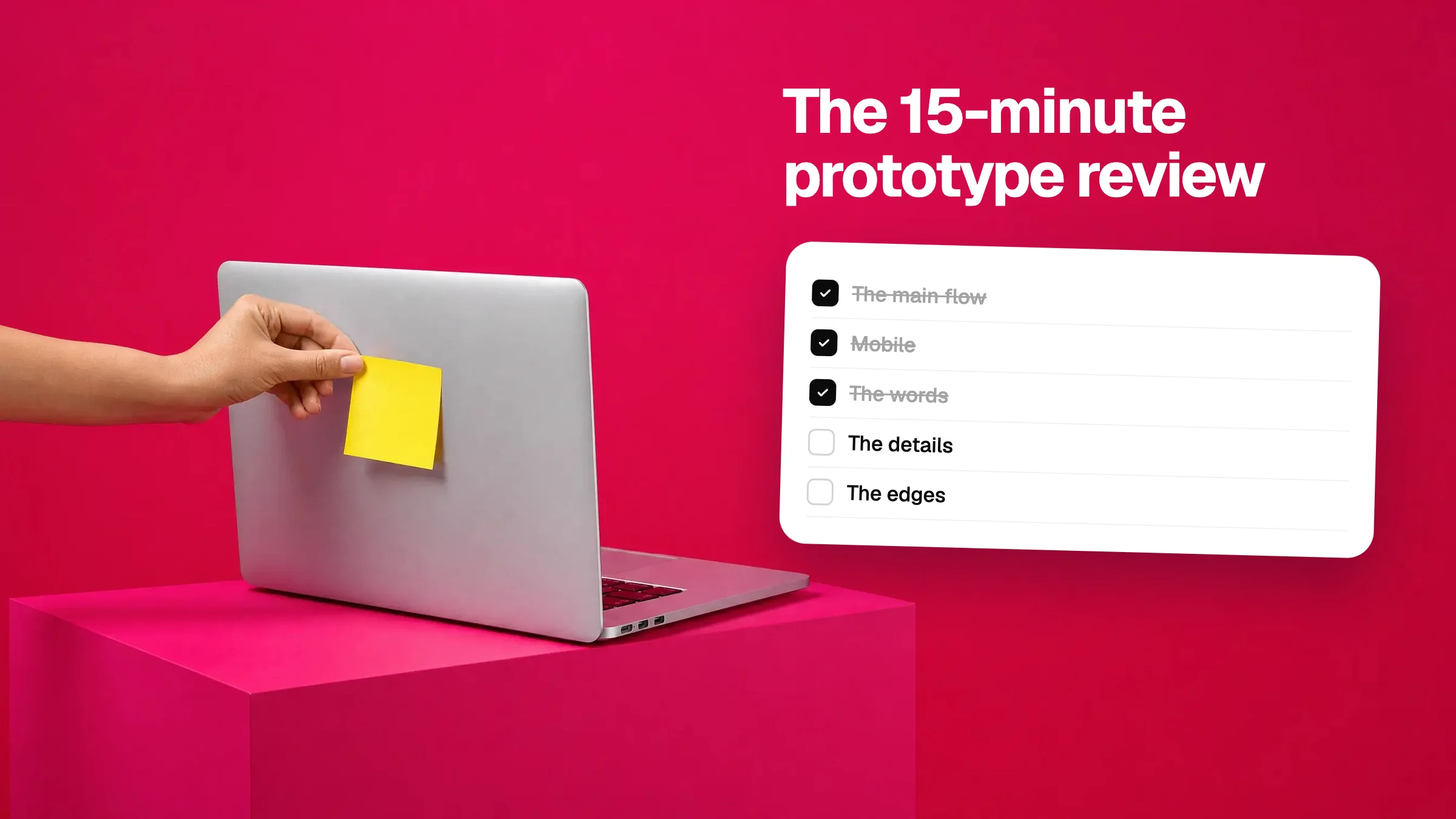
When you review a prototype by just clicking around, you notice whatever jumps out and miss the rest. A better way is to go through it several times, each time looking for one kind of problem. It sounds slower. It is faster, because you stop going back and forth.
Set a timer for fifteen minutes. Three minutes a pass. Leave a note on every problem as you go, and don't stop to fix anything yet.
Pass 1: the main flow
Do the one thing the prototype exists for, start to finish. Sign up. Book the slot. Add to basket and pay. If the main flow has a dead end, nothing else matters yet.
- Does every button on the main path do something?
- Can you get back if you take a wrong turn?
- Is it clear what to do next on each screen?
- Does anything load forever or show an error?
Pass 2: mobile
Switch to phone width and go again. This is where AI-built layouts break most. In Vizhound you can flip between web, tablet and mobile widths from the toolbar, and each note records the width you were on.
- Does anything run off the side of the screen?
- Do cards and columns stack, or do they overlap?
- Are buttons big enough to tap with a thumb?
- Is the menu reachable?
Pass 3: the words
Read every word out loud, or at least move your lips. AI tools write confident filler, and they misspell things in buttons more often than you would think.
- Typos, especially in headings and buttons.
- Placeholder text that was never replaced.
- Prices, dates and names that don't match from page to page.
- Buttons that say “Submit” where they should say what happens.
Pass 4: the details
Now look closely at how it is put together. You are checking that things which should match do match.
- Are headings the same size on every page?
- Is the spacing around similar sections the same?
- Do all the primary buttons share one colour and shape?
- Can you read the text against its background?
If something looks slightly off and you can't say why, check the numbers. Vizhound's inspect tool shows the font size, weight, colour and spacing of anything you click, so you can write “this is 15px, the others are 18px” instead of “this feels small”.
Pass 5: the edges
Last, try to break it. Real users will.
- Submit a form with nothing in it.
- Type a very long name or a very long message.
- What does a page look like with no data yet?
- Go to a page that doesn't exist. Is there a helpful message?
Then send it all at once
You now have a list. Don't send the notes one by one. Group them into a single prompt, numbered, with each note tied to its element. The AI can then plan the fixes together instead of breaking one thing while fixing another.